My new favorite program: EndNote!
Install the desktop version:

Sign in to the web version:
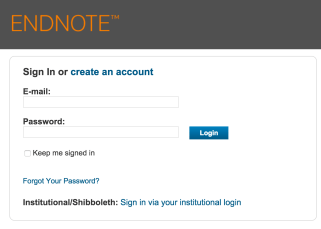
Now, you’re ready to go!
Download Citations from journals:

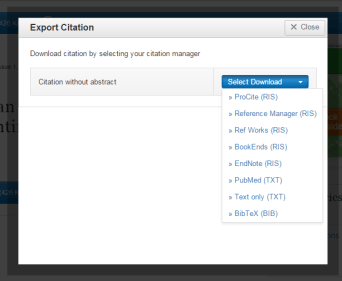
Then open up the download and the desktop version of EndNote will automatically pick it up.
Use the Browser Plug in to “Capture Reference”:
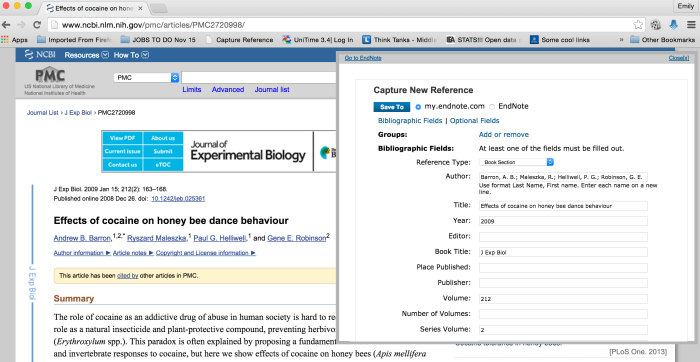 (you must be signed in to the web version)
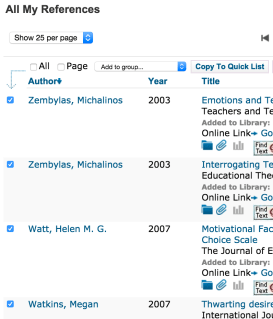
Create a “QuickList” to make a selected bibliography
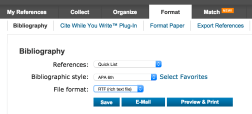

EndNote has a word plugin as well. Just make sure you choose which style you want your citations to take!
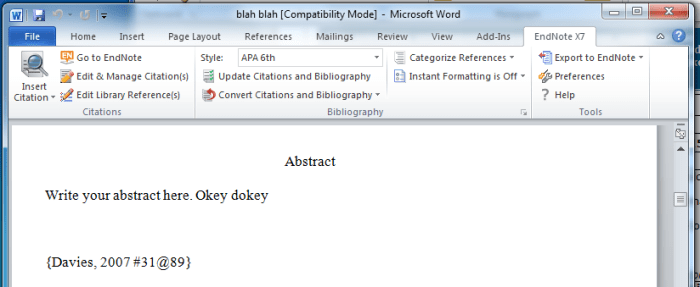
(This is the unformatted citation pulled directly from EndNote into Scrivener/Word with the addition of the page number)
Crib Sheet for Combining EndNote with Scrivener


 Emily Winchip